Security & Privacy
How we handle your data, access controls, and how to report a security concern.
Authentication and identity
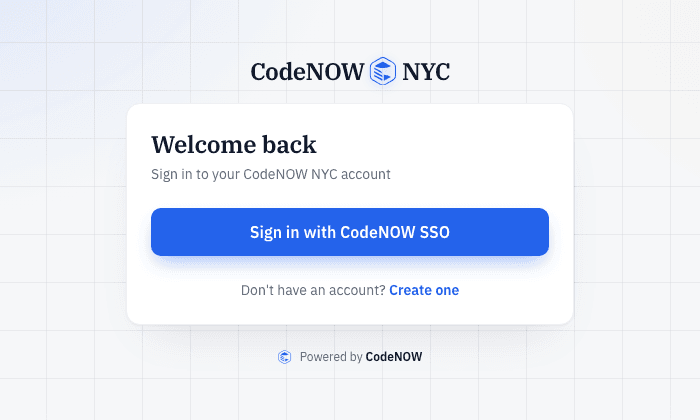
All sign-ins go through CodeNOW single sign-on (Keycloak) — one login for every CodeNOW NYC site. We never store your password here. A few destructive admin actions require an extra confirmation step: a short-lived approval that authorizes that one specific action, not a blanket re-login.
- Sign in with the Sign in with CodeNOW SSO button — the same login works on every CodeNOW NYC site.
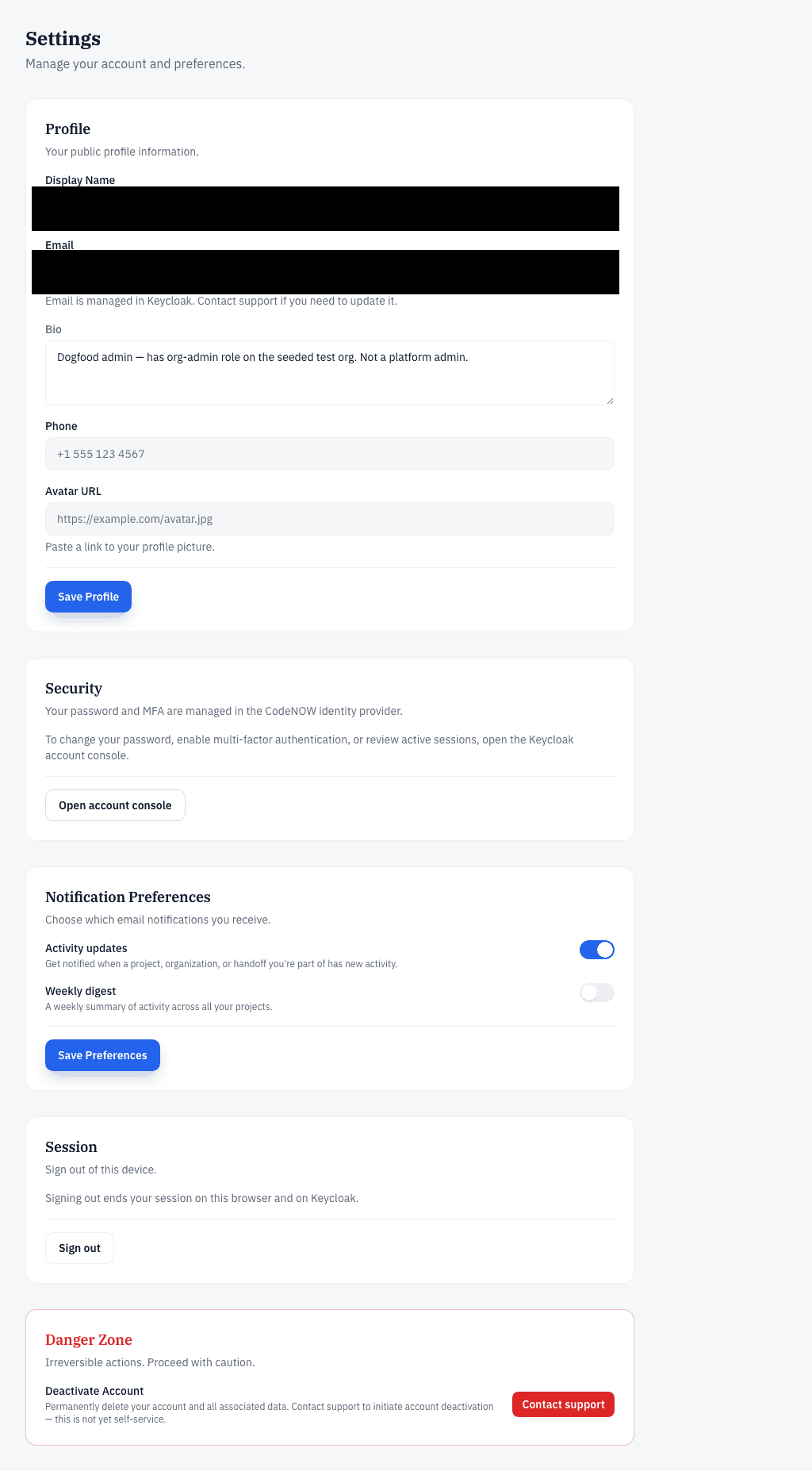
- To change your password, turn on multi-factor authentication, or review active sessions, open Settings and press Open account console.
- To end your session, press Sign out in Settings — it signs you out of this browser and the identity provider together.
Data we store
Your profile (display name, email, and optional avatar and bio), the project content you create, your vote records, and an activity log of project events. We do not sell your data or share it with third parties.
Who can see your project
Every project has a public front page that anyone can see, whether or not they are signed in. To go beyond the front page, you request access, and an admin or owner of the project organization approves the request. A whiteboard share link is the one exception: anyone with the link can view that board without joining the project. Votes are counted by secret ballot: results show only the totals, never how any individual voted.
Administrator access
Platform administrators review the handoff package before a project is provisioned, and that package includes your plan content. Administrators never see individual ballots — vote secrecy is preserved for everyone.
Reporting a concern
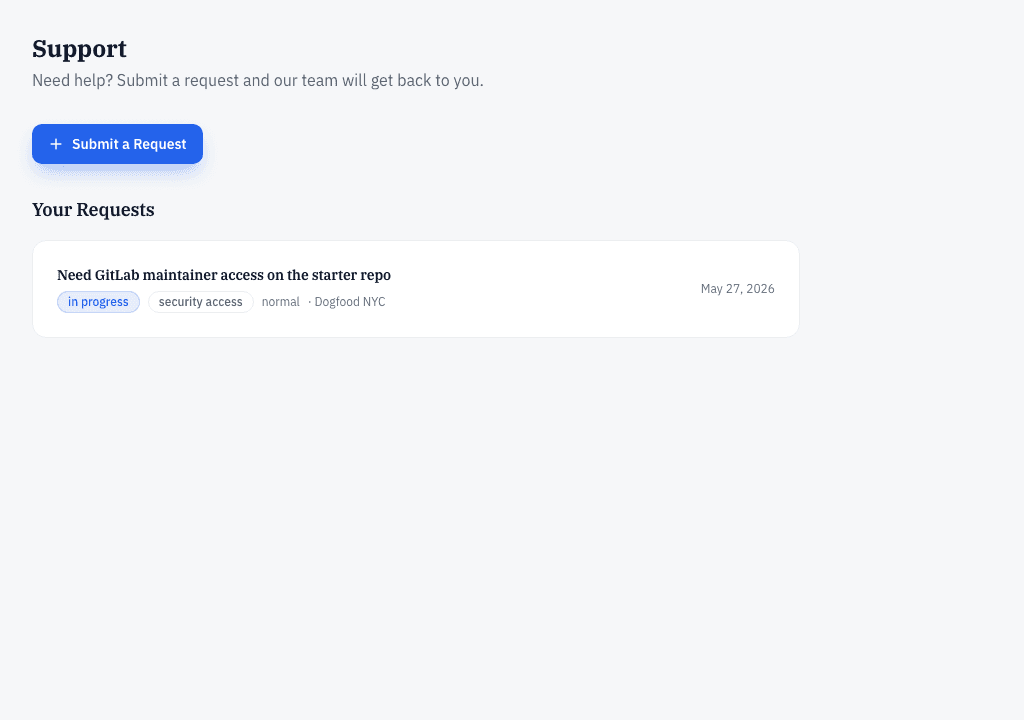
To report a security or access concern, open a request on The Starting Line's support page. Requests are tracked so you can follow the status.
- Open Support and press Submit a Request.
- Choose the Security / Access Issue request type, give it a subject, describe the concern, and set a priority.
- Press Submit Request. Your ticket appears under Your Requests, where you can follow its status.