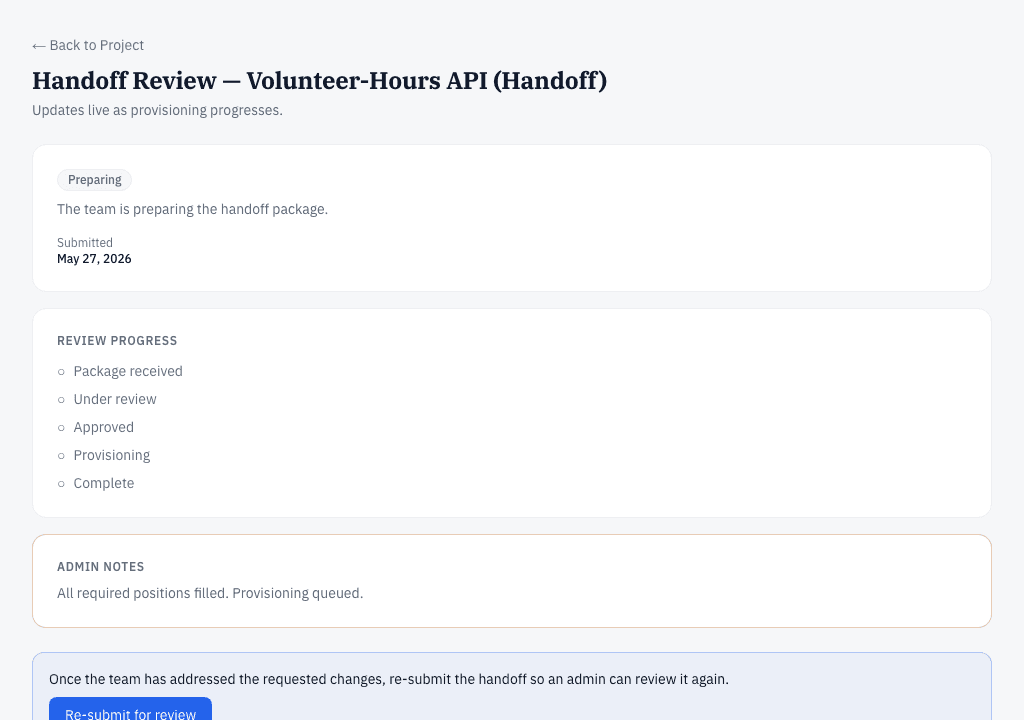
Getting Started
Follow these seven steps to go from idea to handoff on The Starting Line. Signed-in members see this same journey live, with each step tracking their own project.
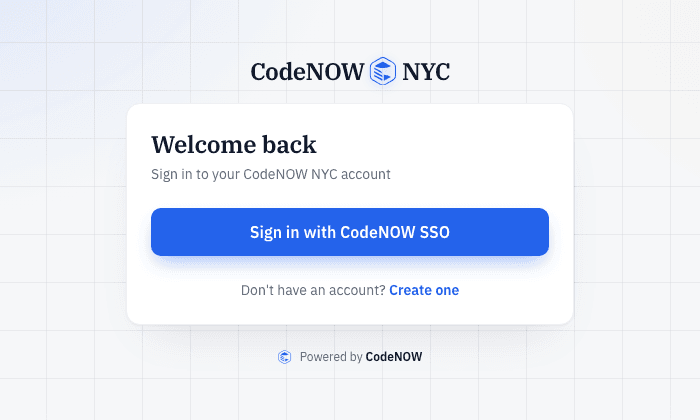
Your account
Sign in with CodeNOW single sign-on — one login for every CodeNOW NYC site. We never store your password here.
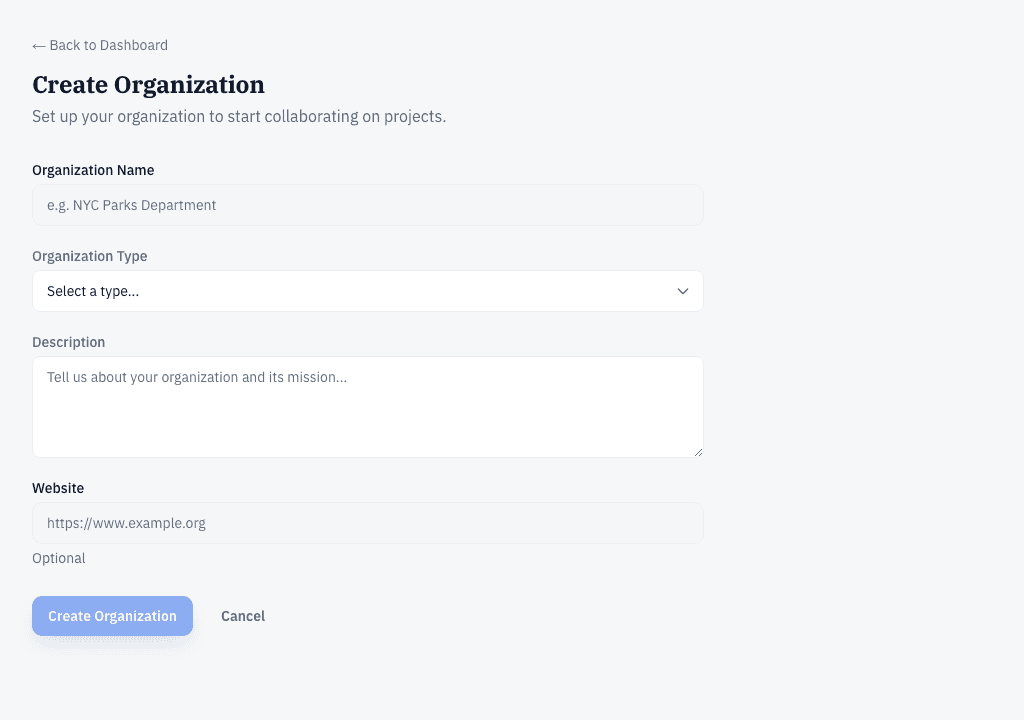
Set up your organization
Projects belong to an organization — a nonprofit, a city agency, a community group, a school, or just you. Create one for your group, or skip this step and work solo — you do not need an organization to start a project. If your organization is already here and has confirmed your email domain, you can join it directly.
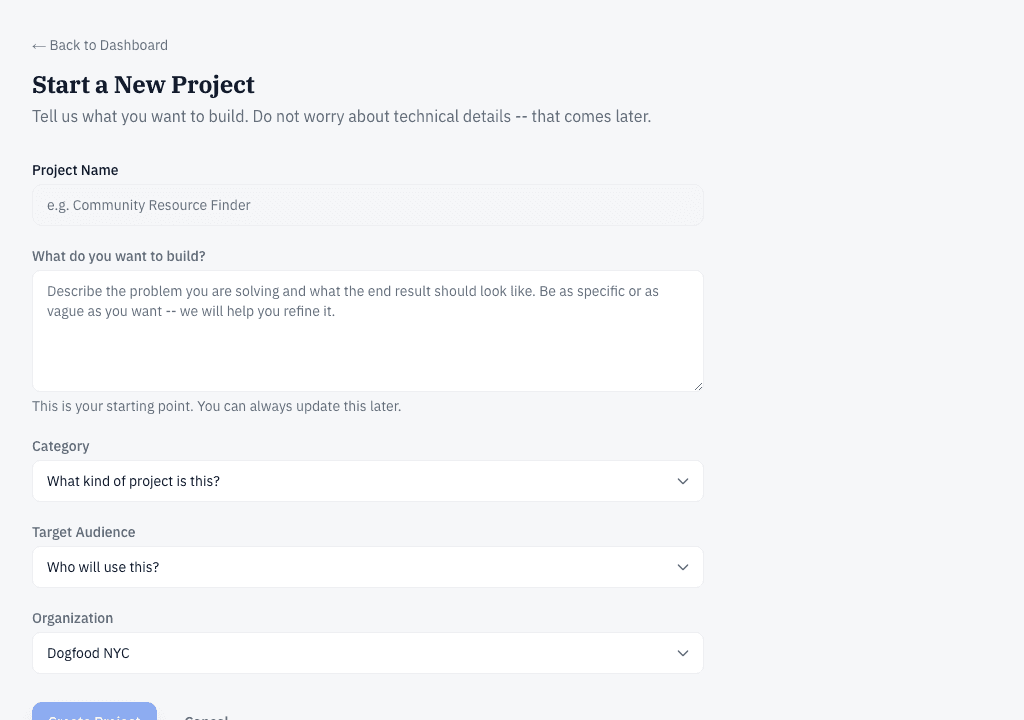
Start a project
Click "Start New Project" from your dashboard. Give your project a name, say what you want to build, who it's for, pick a category, and choose which organization it belongs to. You can change all of this later.
Sketch ideas on the whiteboard
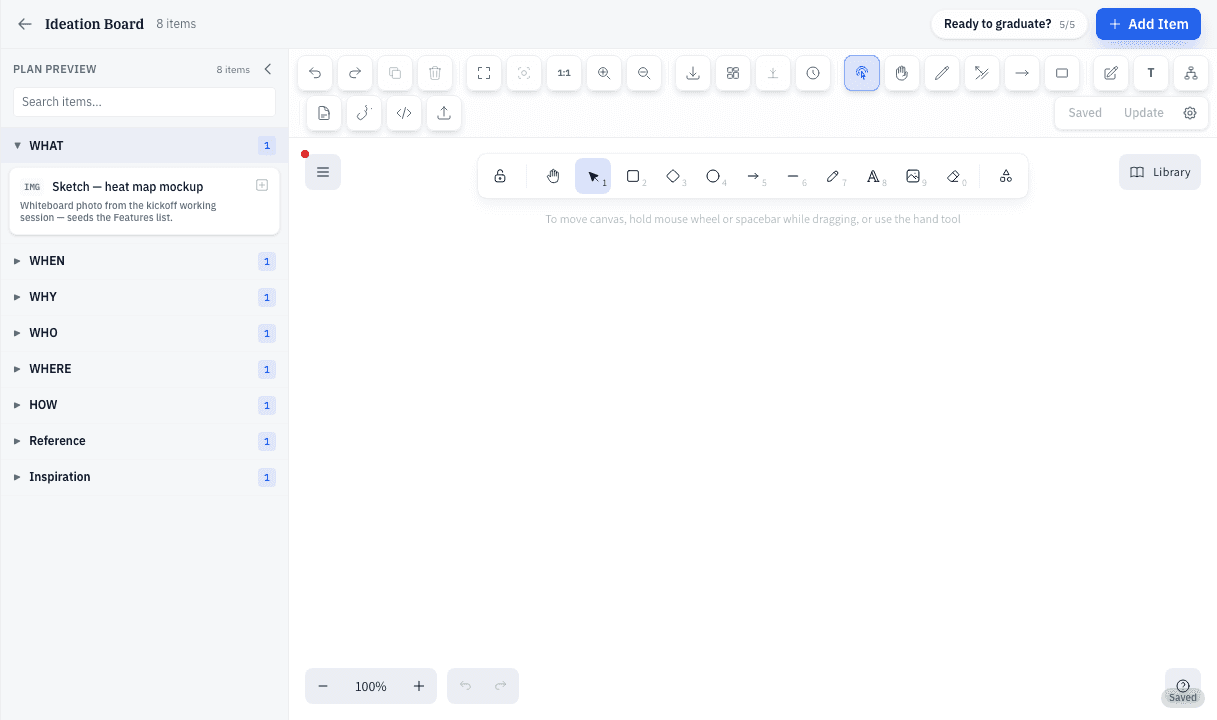
Every project starts in Ideation. Open the whiteboard and put your ideas down — notes, drawings, lists, anything. Teammates can join live, vote on ideas, and leave comments. When the board tells the story, the project creator clicks Graduate to move on to Planning.
Build your plan
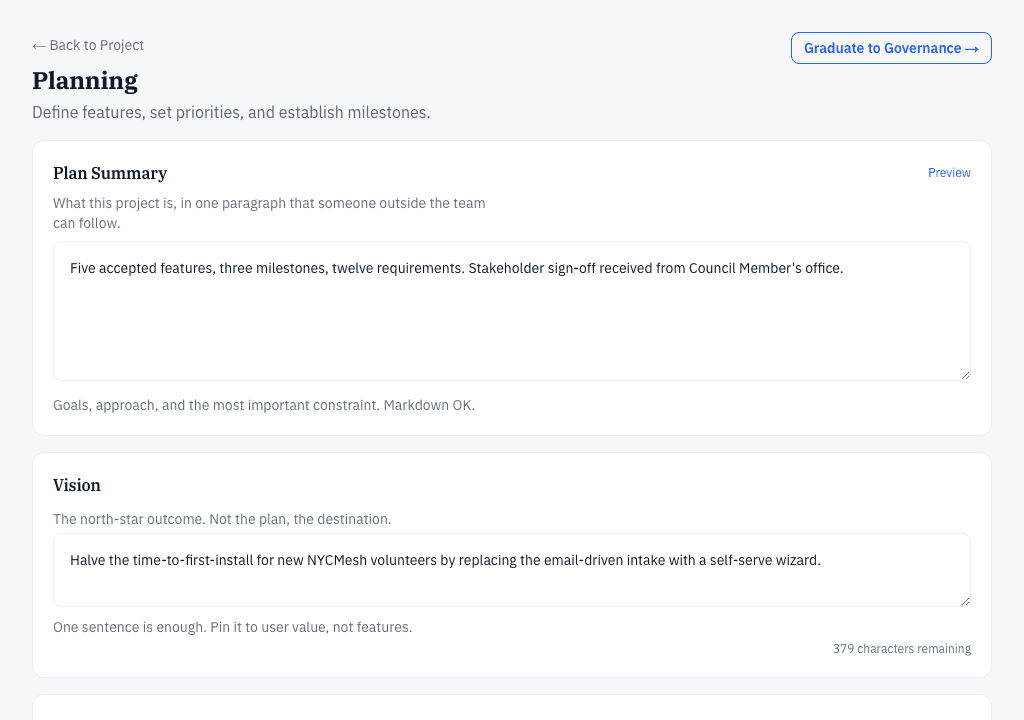
Turn ideas into a plan the team can act on: features (what the software will do), requirements (what each feature must satisfy), and milestones (when things land). Write a short vision statement so volunteers understand the goal. When the plan is ready, the creator graduates it to Governance.
Choose your team, Council-style
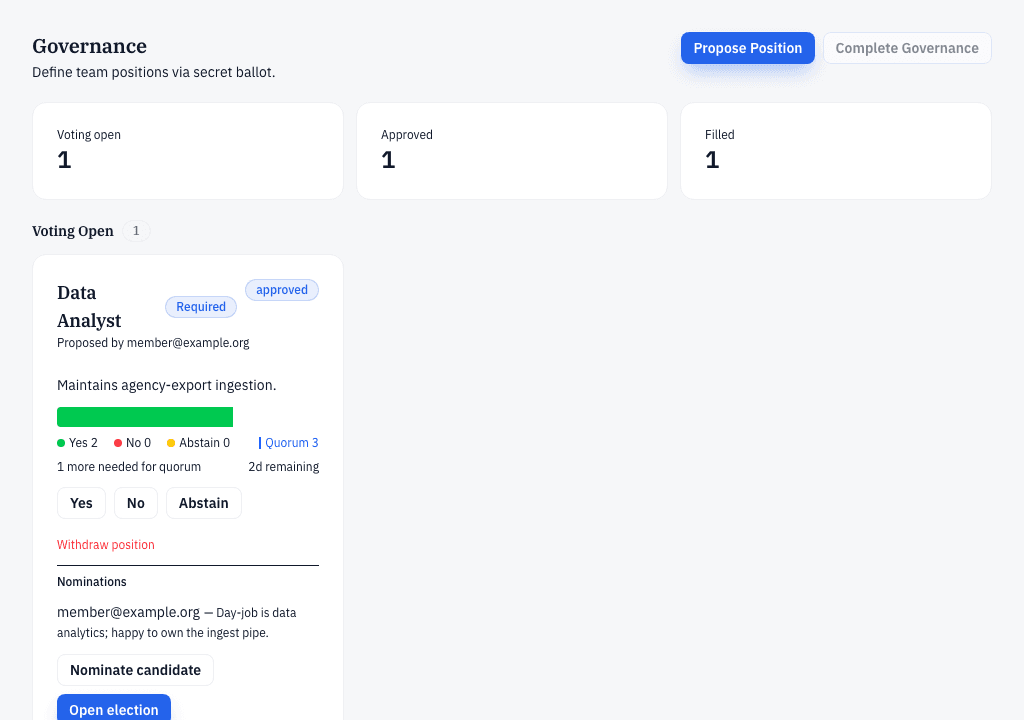
Your team is chosen the way the NYC City Council makes decisions. Positions like tech lead are proposed and approved by vote. Then people are nominated, and project members elect them by secret ballot — nobody can see how you voted, only the totals. A vote passes with a majority of the votes cast, and it counts only if at least half of the eligible voters take part — that's called quorum.
Hand off to CodeNOW
The project creator submits the handoff package — the plan, the team roster, and the technology choices. A platform administrator reviews it. Once approved, CodeNOW automatically sets up the real development workspace, and the team can watch provisioning progress live on the project's handoff page.