For Developer Volunteers
How volunteer developers contribute to a civic project planned on The Starting Line — joining a project, the shared workspace, and governance. For the CodeNOW Platform's CI/CD, API, and MCP, see Platform (Developers) on the Help hub.
Joining a project
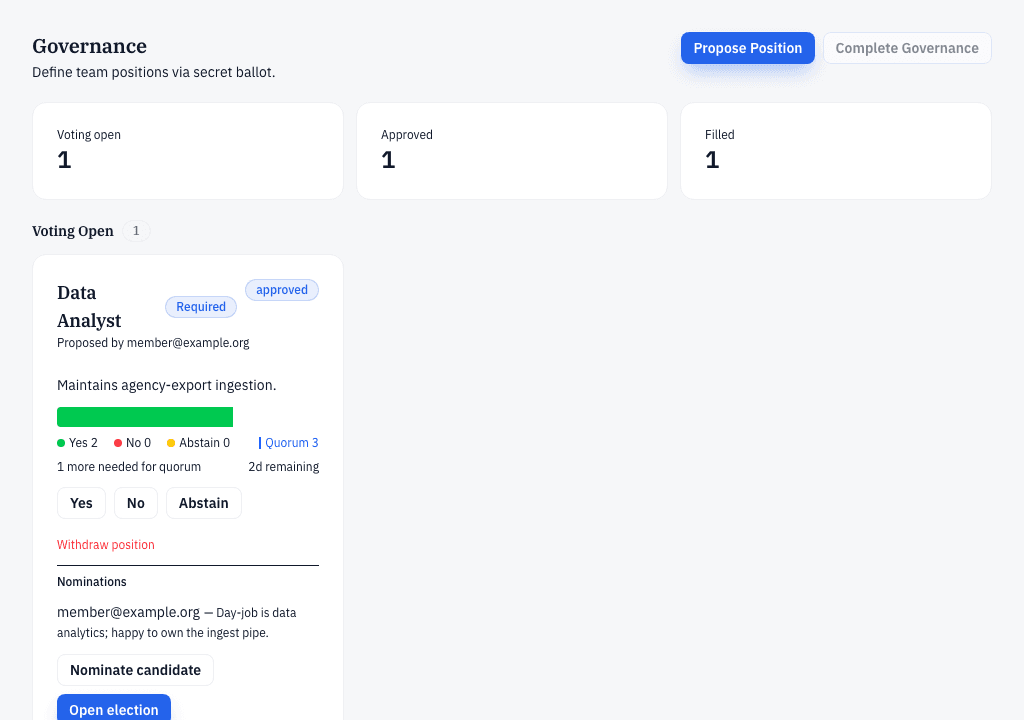
Projects choose their team through governance, not a job board. Positions appear inside a project's governance page once its members propose and approve them, and only project members can be nominated.
- Open the project's Governance tab to see which positions exist and which are up for a vote.
- To stand for a position you must already be a member of that project — ask the project team to add you.
- Once you're nominated, project members elect by secret ballot — Yes, No, or Abstain— and if you win you're seated automatically.
- If the project creator assigns you a role directly instead, you'll see Accept and Decline on the position — you have 48 hours to accept before the assignment lapses.
Your project workspace
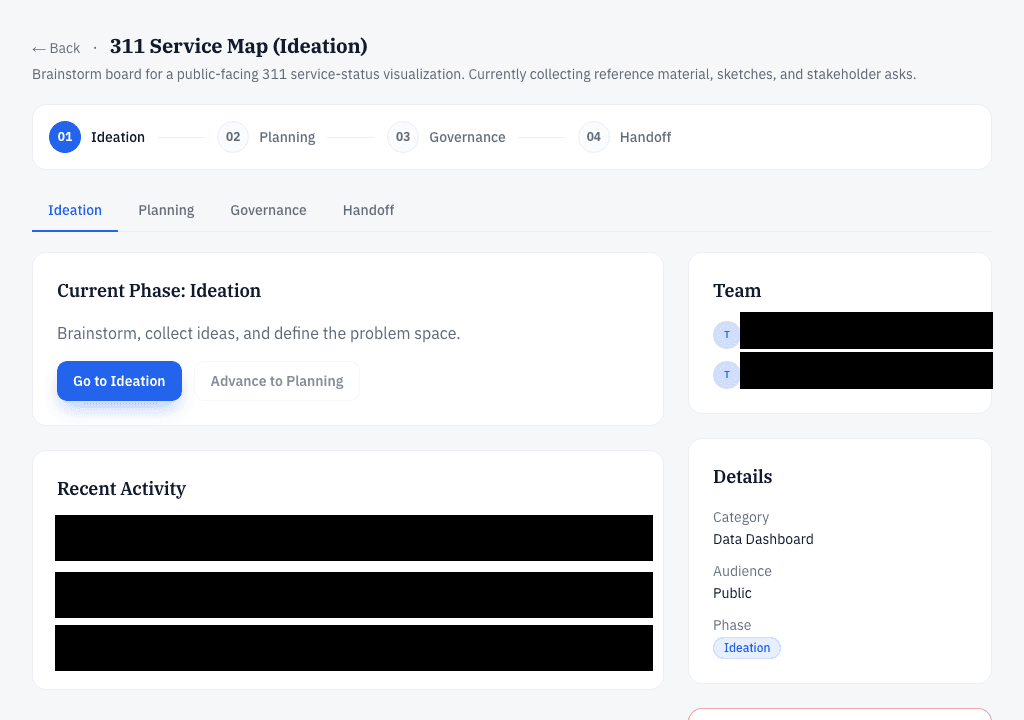
Once you join, the project's workspace on The Starting Line is where the team plans together — the shared project plan, the collaborative ideation whiteboard, and the team roster all live in one place.
- Open your project — the tabs across the top take you to each phase's workspace.
- On the ideation whiteboard, press Add Item to put down a note, a link, a code snippet, or a file, and press the +on an item's vote badge to support it. Teammates see changes live.
- The plan — features, requirements, milestones, and the vision — lives in the Planning tab.
Contributing code
When you accept a role, CodeNOW provisions your access to the project's workspace. Day-to-day development — code changes, reviews, and CI runs — happens on the CodeNOW Platform, not on The Starting Line.
- Accept your role in governance.
- Make sure the team roster carries your GitLab username — that's how CodeNOW grants repository access after handoff.
- After handoff, pick up day-to-day work on the CodeNOW Platform.
How projects build and deploy
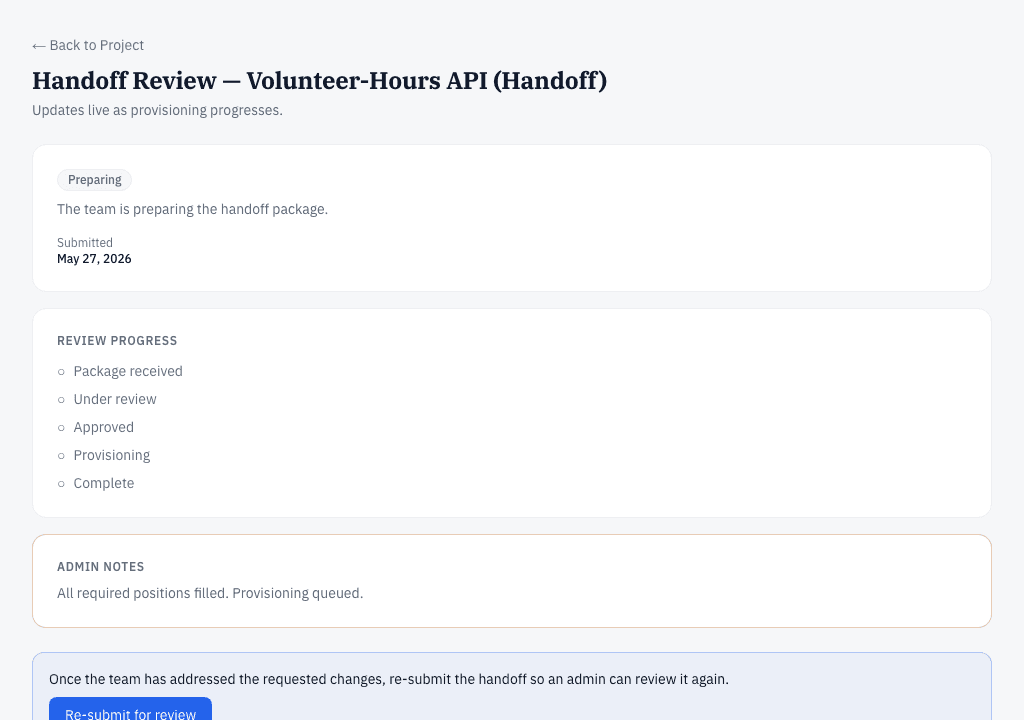
After handoff, CodeNOW builds and deploys the project through a delivery pipeline suited to its technology stack. The project's handoff page streams provisioning status and subtasks so you can watch the workspace being set up; detailed build logs stay on the CodeNOW Platform. For the platform's pipelines, API, and MCP server, see Platform (Developers) on the Help hub.
Code review etiquette
Review for correctness first, style second. Aim for one round of substantive feedback before approval. Land larger refactors as separate changes to keep each review small and focused.